
Growing Guide
Build Your Garden on Your Actual Land
Sources: USGS 3DEP, NAIP-CHM canopy, USDA SSURGO, FEMA NFHL, NOAA Climate Normals
Last updated:
 Beds no wider than
4 ft
So you can reach the center from either side
Main path width
30–36 in
Room for a wheelbarrow
Federal Data Products
20+
from 14 agencies
A garden plan is really one question: what goes where?
Most garden planners hand you a blank grid and a list of plants. Drag, drop, done. It looks satisfying on screen — then the tomatoes go in the corner that gets two hours of sun, the squash shades out the carrots by July, and the bed you fussed over sits just outside hose reach.
The plan that works isn't the prettiest layout — it's the one that matches each plant to the conditions of the exact spot it sits in. A good plan answers four questions before a single seed goes in: where does the sun fall, which way do the beds run, how far apart does each crop need to be, and can you get water to it. Get those right and the garden mostly runs itself. Get them wrong and no amount of watering fixes a bed that only sees the morning.
The sections below are the working principles a seasoned grower lays a bed out by. Growable Ground pins them to your specific parcel — your real sun-and-shade cast, your SSURGO soil, your flood zones — but the principles hold in any yard, on paper or on a screen.
Orient the beds to the sun, and put the tall crops north
The sun crosses the southern sky, low in spring and fall, high at midsummer. That single fact drives bed placement. Run rows north-to-south where you can, so plants shade each other as little as possible through the day. Then stack crops by height with the tall ones on the north side of the bed: a block of corn, a trellis of pole beans or cucumbers, staked tomatoes, or sunflowers along the back edge; mid-height eggplant and peppers in the middle; low lettuce, carrots, and radishes on the sunny south side.
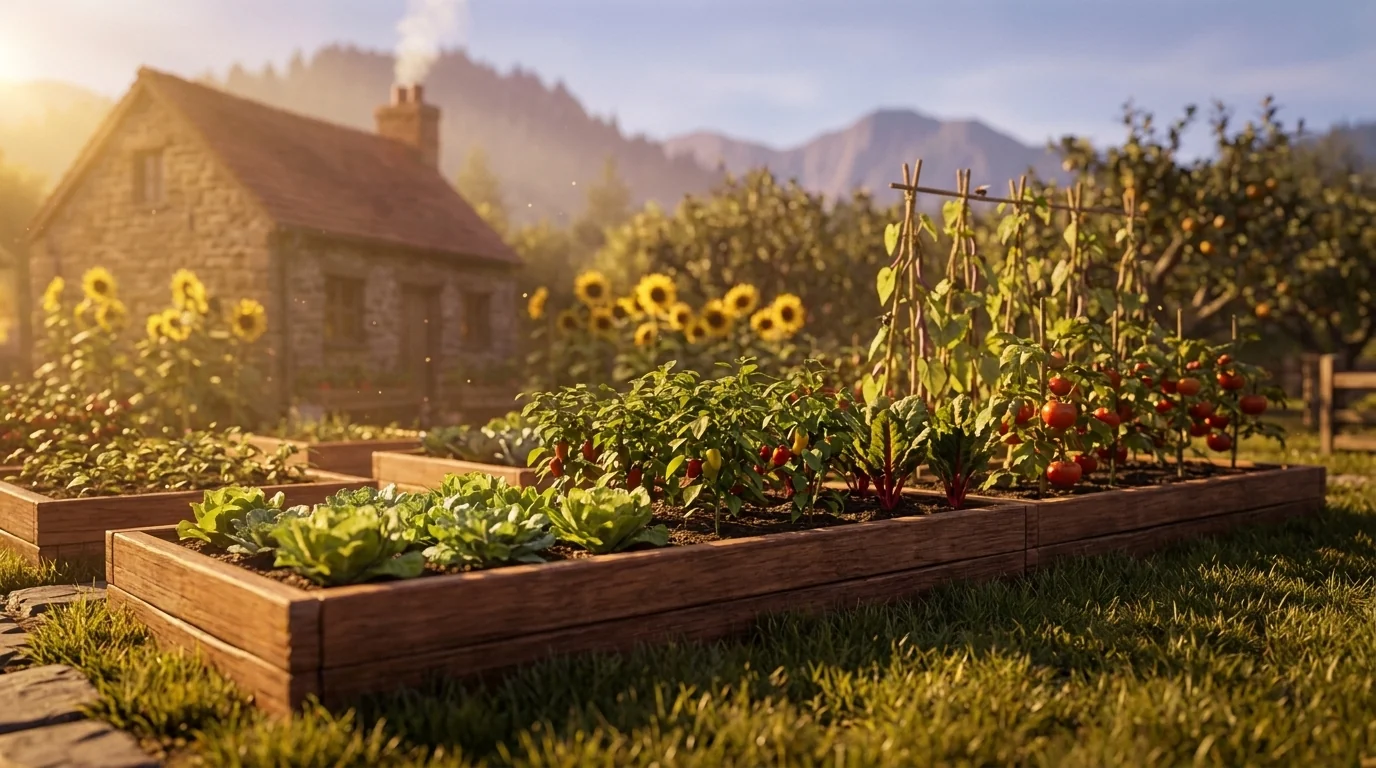
How much sun a spot needs depends on what you grow there. Fruiting crops — tomatoes, peppers, squash, beans, melons — want 6 to 8 hours of direct light to ripen. Root crops manage on 4 to 6. Leafy greens and most herbs are the shade-tolerant end and crop fine on 3 to 4 hours of sun or bright dappled light. The catch is that a yard rarely gets the sun you assume: a fence, a rooftop two doors down, or a maple in full leaf can quietly steal two hours. Sun hours are cast over your terrain, buildings, and a leaf-on tree canopy from USGS 3DEP elevation and a canopy model — so a bed's rating reflects the light it actually gets, not the light the open sky would give it.
Pro TipSpace for the mature plant, and leave yourself room to work
The single most common layout mistake is spacing to the seedling instead of the grown plant. A 4-inch tomato start needs two feet of room by August; four of them crammed into a square yard will shade each other, trap humidity, and hand you blight. Give every crop its mature footprint from day one:
- 4–6 in: leaf lettuce, radishes, beets, bush beans (in rows ~12 in apart)
- 12–18 in: peppers, bush tomatoes, broccoli, chard
- 18–24 in: staked indeterminate tomatoes, eggplant
- 24–36 in: summer squash, zucchini, caged tomatoes, a single hill of cucumbers
Room to work matters just as much. Keep any bed you tend from both sides no wider than about 4 feet, so you can reach the middle without stepping on the soil — footsteps compact a bed and undo the drainage you built. Give walking paths at least 18 inches, and a main path you'll wheel a barrow or cart down a full 30 to 36 inches. Cramped paths are the reason half-planned gardens never get weeded.
Keep water close, and plan for a second crop
A bed you can't reach with a hose is a bed you'll water half as often as it needs. Site the thirstiest crops — anything in a container or raised bed, plus fruiting vegetables — within easy reach of a spigot, and put drought-tolerant herbs and established perennials on the far edges. Group plants with similar water needs together so one watering serves the whole zone rather than drowning the rosemary to keep the lettuce alive.
Finally, a bed is rarely done in one crop. Succession planting keeps it earning: follow spring lettuce and radishes with summer beans, then a fall sowing of spinach or kale as the heat breaks. The timing hinges on your frost dates — the average last spring frost and first fall frost, from NOAA climate normals — which set how long your season runs and whether a second crop has time to finish. That's the same data the Season Planner uses to build your calendar.
Pro Tip
Lay it out on YOUR land
See your sun, soil, and growing conditions on your real parcel — then place beds and see how 1,085 plants score for each spot.
Three things about your exact spot that zone averages miss:
We read public map data for this spot — soil, climate, flood, and parcel records. How we handle your address.
25+ data sources analyzed in seconds
The same plant scores differently by how you grow it
One more layout decision changes what thrives: whether a bed touches your native soil at all. In-ground beds live with the pH, drainage, and texture your land came with; raised beds and containers let you import a growing medium and sidestep those constraints. It's a real horticultural difference, not a settings toggle — a blueberry that struggles in-ground at pH 7.4 can thrive in a raised bed of acidic mix on the same parcel. Garden Builder recognizes four growing contexts and adjusts accordingly:
- In-ground: Full constraint set — your native soil pH, drainage class, and organic matter all factor into every plant score. This is the most site-dependent context.
- Raised bed: Soil constraints are relaxed because you control the growing medium. Sun, climate, and hardiness zone still apply. Drainage scoring assumes well-drained imported mix.
- Container: Soil and drainage constraints are bypassed entirely. Scoring focuses on sun hours, growing season length, and cold tolerance. Container suitability is factored in — not everything thrives in a pot.
- Greenhouse: Climate constraints are relaxed. Frost dates, minimum temperatures, and chill hours are adjusted for a protected growing environment. Sun hours still come from your site's own sun-and-shade cast.
Once the layout is set, the plants you place feed into the Season Planner, which turns your frost dates into a timeline, a task list, and a calendar you can export as an iCal (.ics) file — so the reminders to start seeds, transplant, and harvest land on your phone at the right week for your season, not a generic zone chart's.
Lay it out on YOUR land
See your sun, soil, and growing conditions — then place beds and get plant picks scored for each spot.
Three things about your exact spot that zone averages miss:
We read public map data for this spot — soil, climate, flood, and parcel records. How we handle your address.
25+ data sources analyzed in seconds
Frequently Asked Questions
How far apart should I space vegetables?
Spacing is set by a plant's mature width, not its seedling size. As a working guide: leaf lettuce and radishes at 4–6 inches, bush beans and beets at 4–6 inches in rows a foot apart, peppers at 12–18 inches, indeterminate tomatoes and eggplant at 18–24 inches, and squash or a single caged tomato at 24–36 inches. The most common mistake is planting to the transplant size — a 4-inch tomato start needs two feet of room by August. Crowded plants shade each other, hold humidity, and invite disease; give them the mature footprint from day one.
Where should I plant tall crops like tomatoes, corn, and pole beans?
On the north side of the bed (the south side if you garden in the Southern Hemisphere). The sun tracks across the southern sky, so a trellis of pole beans or a block of corn on the south edge will throw afternoon shade over everything behind it. Put the tallest crops — corn, staked tomatoes, trellised cucumbers, sunflowers — along the north edge, mid-height crops in the middle, and low crops like lettuce and carrots on the sunny south edge. That way every plant keeps its light through the season.
How much sun does a vegetable garden need?
Fruiting crops — tomatoes, peppers, squash, beans, cucumbers, melons — need 6 to 8 hours of direct sun to set and ripen fruit. Root crops (carrots, beets, radishes) do well on about 4 to 6 hours. Leafy greens and most culinary herbs are the shade-tolerant end: lettuce, spinach, kale, chard, parsley, mint, and chives crop reliably on 3 to 4 hours or bright dappled light. Measure the sun where the bed will actually sit — a fence, a neighbor's roofline, or a maple in leaf can cut hours you assumed you had.
How wide should garden paths be?
Give a walking path at least 18 inches, and a main path you'll push a wheelbarrow or garden cart down 30 to 36 inches. Keep beds themselves no wider than about 4 feet so you can reach the center from either side without stepping on the soil — stepping on beds compacts them and undoes your drainage. For raised beds, 3 to 4 feet wide is the standard reach-in width.
Can I plan raised beds and containers, not just in-ground plots?
Yes. Garden Builder supports in-ground beds, raised beds, containers, and greenhouse structures. Raised beds and containers bypass your native soil constraints — the scoring engine adjusts accordingly, using imported-mix assumptions for pH and drainage while still using your site's actual sun and climate data.
Does Garden Builder connect to a planting calendar?
Yes. Plants you place feed into the Season Planner, which calculates planting windows from your local frost dates (NOAA climate normals). You can export the schedule as an iCal file to your phone or calendar app.
Related Guides
See what this means where you are
This guide is national — a state's own zones, frost dates and soils change how it plays out. Start with your state's growing hub: